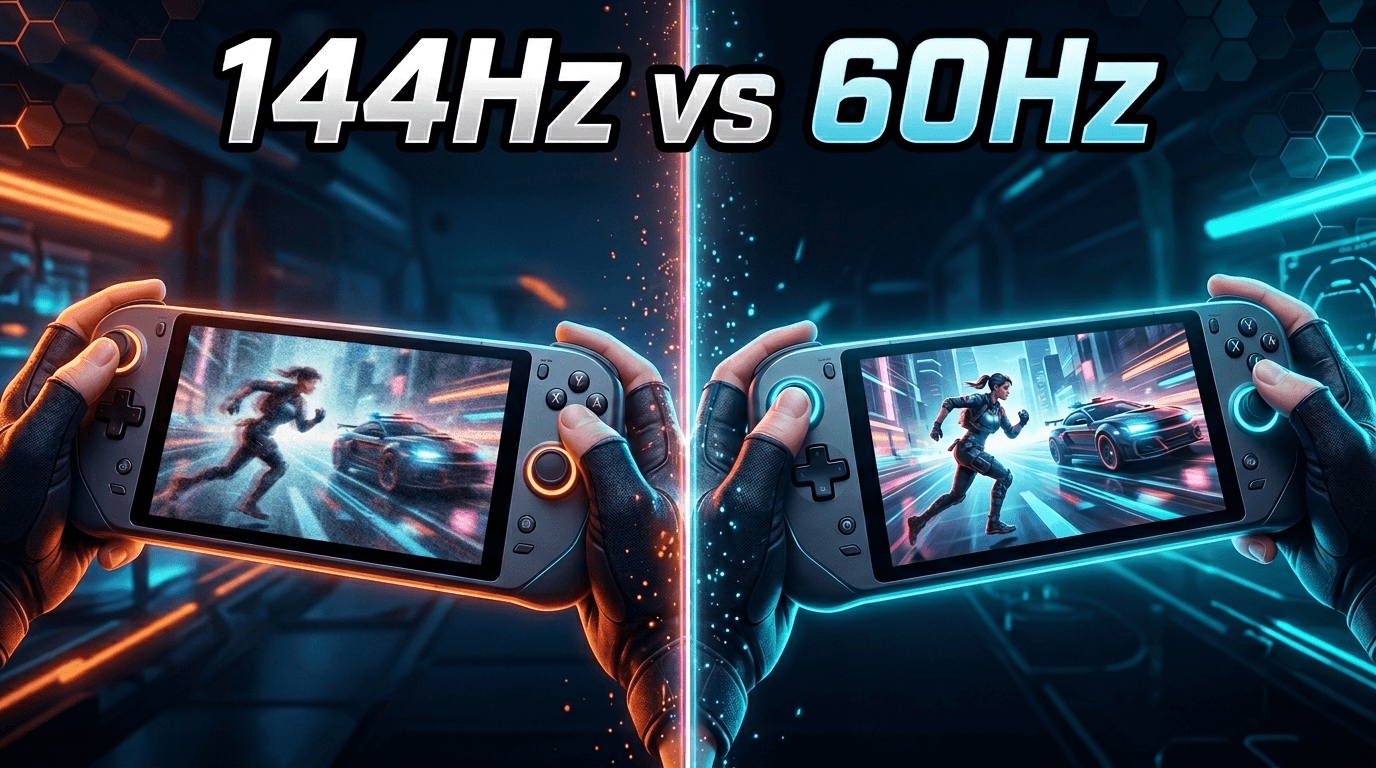
If you're considering an external monitor for your handheld gaming PC, you've probably encountered the debate: 144Hz vs 60Hz. Is the higher refresh rate worth the extra cost? Will your ROG Ally, Steam Deck, or Legion Go even hit 144fps? This guide breaks down everything you need to know about refresh rates for handheld gaming, helping you make an informed decision.
Understanding Refresh Rate
Before diving into whether 144Hz is worth it, let's clarify what refresh rate actually means and how it affects your gaming experience.
What Is Refresh Rate?
Refresh rate, measured in Hertz (Hz), is how many times per second your display updates its image. A 60Hz monitor refreshes 60 times per second, while a 144Hz monitor refreshes 144 times per second. Higher refresh rates result in smoother motion, reduced motion blur, and lower input lag. However, to benefit from a higher refresh rate, your device needs to output enough frames per second (fps) to match.
Frame Rate vs Refresh Rate
Frame rate (fps) is how many frames your handheld's GPU renders per second, while refresh rate (Hz) is how many times your display can show those frames. Ideally, these should match. If your game runs at 60fps on a 144Hz monitor, you won't see the full benefit of 144Hz. However, even at lower frame rates, high refresh rate monitors often feel smoother due to reduced input lag and better frame pacing.
Can Handheld PCs Hit 144fps?
This is the critical question: can your ROG Ally, Steam Deck, or Legion Go actually output 144fps in games? The answer is: it depends on the game.
AAA Games
For demanding AAA titles like Cyberpunk 2077, Elden Ring, or Starfield, handheld PCs typically struggle to hit even 60fps at native resolution with high settings. For these games, you'll usually be targeting 30-60fps, making a 144Hz monitor less beneficial (though still smoother feeling due to reduced input lag). You're not taking full advantage of the high refresh rate with these titles.
Competitive Titles
For competitive games like Counter-Strike 2, Valorant, Rocket League, Fortnite, or Apex Legends, handheld PCs can often hit 90-144fps with optimized settings. This is where 144Hz truly shines. The smoother motion and lower input lag provide a tangible competitive advantage. If you primarily play these types of games, 144Hz is absolutely worth it.
Indie and Older Games
Less demanding games like Hades, Stardew Valley, Hollow Knight, or older titles can easily hit 144fps on handheld hardware. These games benefit from the buttery smooth motion of 144Hz, making the experience noticeably more fluid and responsive. If your library includes many indie or older games, 144Hz significantly enhances your experience.
Emulation
For emulation (Nintendo Switch, PS2, GameCube, etc.), handheld PCs can often exceed 60fps, especially with frame rate unlocking patches or settings. Many classic games locked to 30fps on original hardware can run at 60fps or higher on handhelds. A 144Hz monitor allows you to take full advantage of these unlocked frame rates.
The Benefits of 144Hz
Even if you can't hit 144fps in every game, 144Hz monitors provide several tangible benefits for handheld gaming.
Reduced Motion Blur
Higher refresh rates reduce motion blur, making fast-moving objects appear clearer and sharper. This is noticeable even at lower frame rates (like 60fps on a 144Hz display vs 60fps on a 60Hz display). The persistence of each frame is shorter, resulting in less blur during fast camera movements or action sequences.
Lower Input Lag
144Hz monitors typically have lower input lag than 60Hz monitors, meaning your actions on the controller register on screen faster. This isn't just about hitting 144fps — the display itself responds more quickly to input signals. For competitive gaming or fast-paced action, this makes controls feel snappier and more responsive.
Variable Refresh Rate (VRR)
Many 144Hz monitors support FreeSync or G-Sync, which synchronizes the monitor's refresh rate with your GPU's frame rate. This eliminates screen tearing and stuttering, providing a smooth experience even when frame rates fluctuate between 40-120fps. VRR is particularly valuable for handheld PCs where performance varies by game.
Future-Proofing
Handheld PCs are getting more powerful with each generation. The ROG Ally X, for example, is significantly faster than the original Steam Deck. A 144Hz monitor will serve you well as you upgrade your hardware over the years. You're also likely to play some lighter games that can hit high frame rates, making the 144Hz capability valuable even if it's not used in every game.
The Case for 60Hz
Despite the benefits of 144Hz, there are valid reasons to consider a 60Hz monitor, especially for handheld gaming.
Better Battery Life
Running games at higher frame rates drains your handheld's battery faster. If you primarily game unplugged, targeting 60fps instead of 144fps can extend your gaming sessions significantly. A 60Hz monitor sets a natural cap that helps preserve battery life. This is especially relevant for the Steam Deck, which has more limited battery capacity compared to the ROG Ally X.
Consistent Performance
Many AAA games simply can't hit high frame rates on handheld hardware. If your library consists mainly of demanding modern titles, you'll be playing at 30-60fps regardless of your monitor's refresh rate. In this scenario, a 60Hz monitor might be sufficient, and the money saved could go toward a larger screen, better panel quality (like OLED), or higher resolution instead.
Lower Cost
60Hz portable monitors are generally £50-100 cheaper than equivalent 144Hz models. If you're on a budget or primarily play single-player, story-driven games where refresh rate matters less, a quality 60Hz monitor with good color accuracy and brightness might be a better value proposition.
Device-Specific Considerations
Different handheld gaming PCs have different capabilities when it comes to high refresh rate gaming.
ROG Ally and Ally X
The ROG Ally (especially the Ally X) is powerful enough to hit 90-144fps in many games with optimized settings. Its internal display is 120Hz, so it's designed with high refresh rate gaming in mind. The Ally benefits significantly from a 144Hz external monitor, especially for competitive titles. If you own an Ally or Ally X, 144Hz is highly recommended.
Steam Deck
The Steam Deck's internal display is 60Hz (90Hz for OLED), and its GPU is less powerful than the ROG Ally. However, the Steam Deck can still output 120Hz+ to external displays, and lighter games can hit those frame rates. If you play a mix of indie games, older titles, and some optimized AAA games, 144Hz still provides value. For AAA-only gaming, 60Hz might suffice.
Legion Go
The Legion Go has a 144Hz internal display and powerful hardware, making it ideal for high refresh rate gaming. It's designed with 144Hz in mind, and many games can hit 90-144fps with proper settings. If you own a Legion Go, a 144Hz external monitor is absolutely worth it — you're already paying for the hardware to drive it.
Our Recommendation
For most handheld gamers, especially ROG Ally, Ally X, and Legion Go owners, 144Hz is worth the investment. Even if you can't hit 144fps in every game, the reduced motion blur, lower input lag, and Variable Refresh Rate support provide a noticeably better experience. The price difference between 60Hz and 144Hz portable monitors has narrowed significantly, often just £50-80, making it easier to justify. If you play any competitive games, indie titles, or emulated games, you'll regularly benefit from the high refresh rate. For Steam Deck owners or those on a tight budget who primarily play demanding AAA games, 60Hz is still perfectly fine. But if you can stretch your budget, 144Hz is the more future-proof choice that will serve you well as games become better optimized and handheld hardware improves.
Conclusion
The 144Hz vs 60Hz debate for handheld gaming doesn't have a one-size-fits-all answer, but for most gamers, 144Hz provides enough tangible benefits to justify the modest price increase. The smoother motion, lower input lag, and VRR support enhance the gaming experience across a wide variety of titles, not just those hitting 144fps. If you own a ROG Ally, Ally X, or Legion Go, 144Hz is highly recommended. Even Steam Deck owners will benefit from 144Hz for lighter games and emulation. The only scenarios where 60Hz makes more sense are extreme budget constraints or if you exclusively play demanding AAA titles at lower frame rates. Given that portable monitors are a long-term investment you'll use for years and across multiple devices, spending a bit extra for 144Hz is the smarter choice for most handheld gamers.